
Financial Documents#
The Section: Financial Documents section contains the Table: Financial Documents table, which lists out signed offering documents that have been signed.
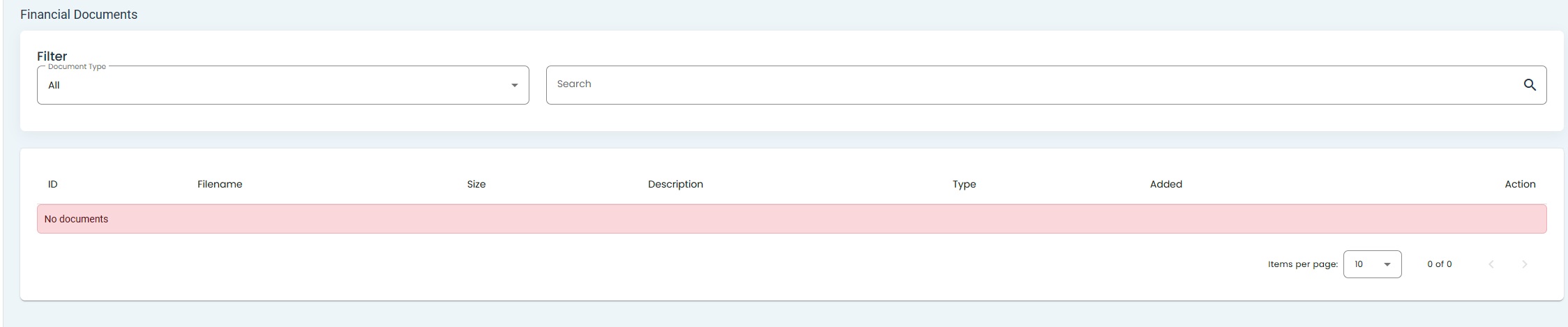
Financial Documents, No Documents#
Available Features#
You can find the available features at the top of the page.

Financial Documents, Top of Page#
These features include:
Filter by Item: Document Type
Search by:
Filename,
Description, or
Document Type
Offering Signed Documents Table: Columns Explained#
The Table: Financial Documents table has the following Column: columns:
Column: ID
Column: Filename
Column: Size
Column: Description
Column: Type
Column: Added
Column: Action
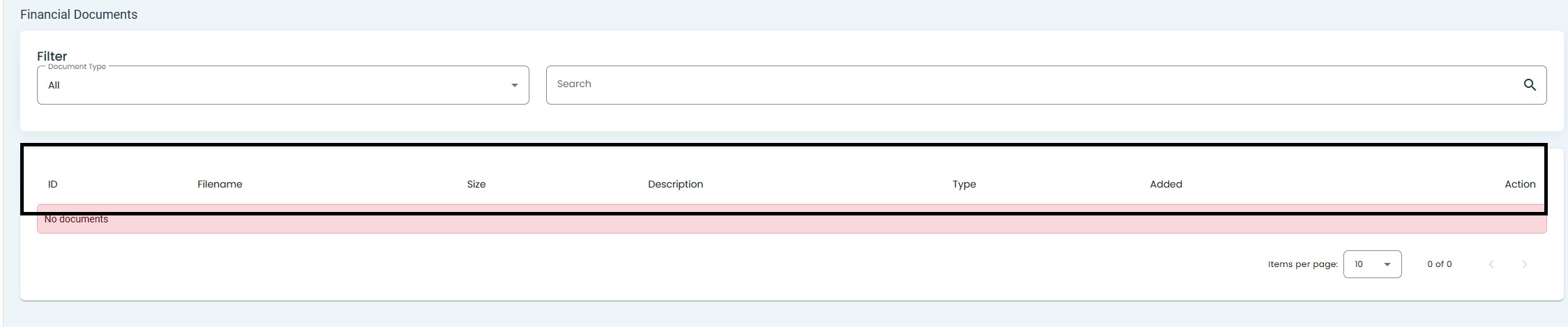
Financial Documents, Table Columns Location#
Available Actions#
The Column: Actions column has the following actions:
Download Document - allows you to download the document to your computer.
View Document - allows you to view the document in your browser.