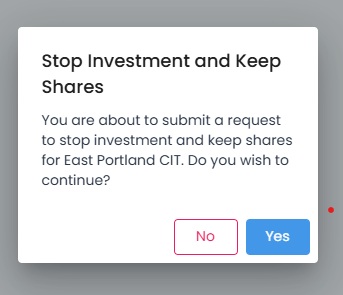
De-Enrollment Instructions#
Follow the instructions below to de-enroll in an investment:
1. Find the investment you want to de-enroll in.#
2. Click on the De-enroll button#
Click on the De-enroll button for the investment you want to enroll or denroll from.

Dashboard, De-Enroll Button Location#