
Investment#
The Section: Investments section covers everything listed in the Table of Contents below:
Investments Homepage Location#
To Find the Investments List Homepage:
Locate the primary sidenav to the left of the page.
Don’t see the sidenav?
See How to Toggle Primary Sidebar for more information.
Select the dropdown for the Navigation Category: Investment category.
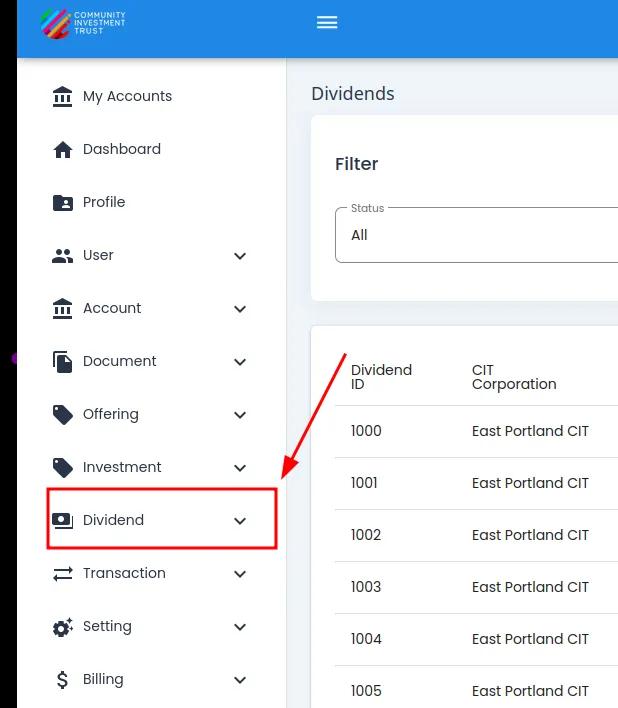
Investment Category, Primary Sidenav Location#
Select Section: Investments from the dropdown.
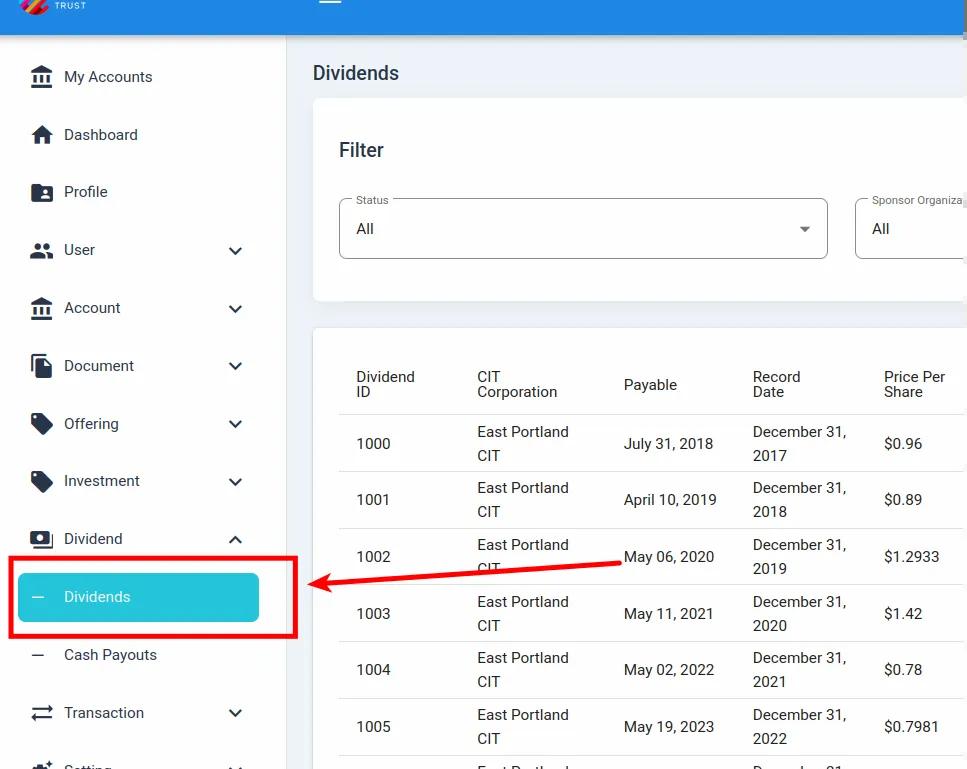
Investment, Investments, Primary Sidenav Location#
Investments List Table Overview#
The Table: Investments List table is what first appears on the homepage of the Section: Investments section.
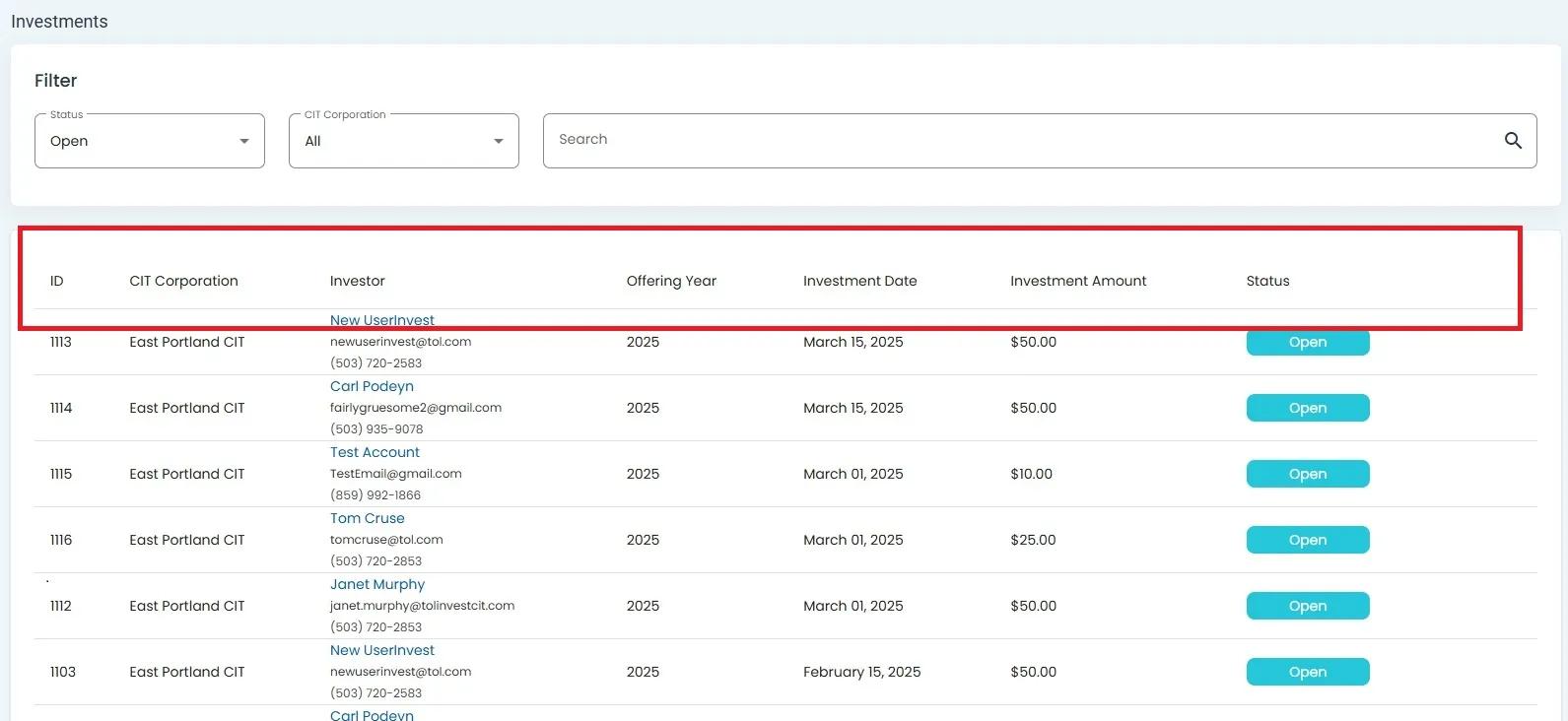
Investment, Investments List Table#
Using Investments Filters#
To Filter Investments:
Locate the filter section at the top of the table.
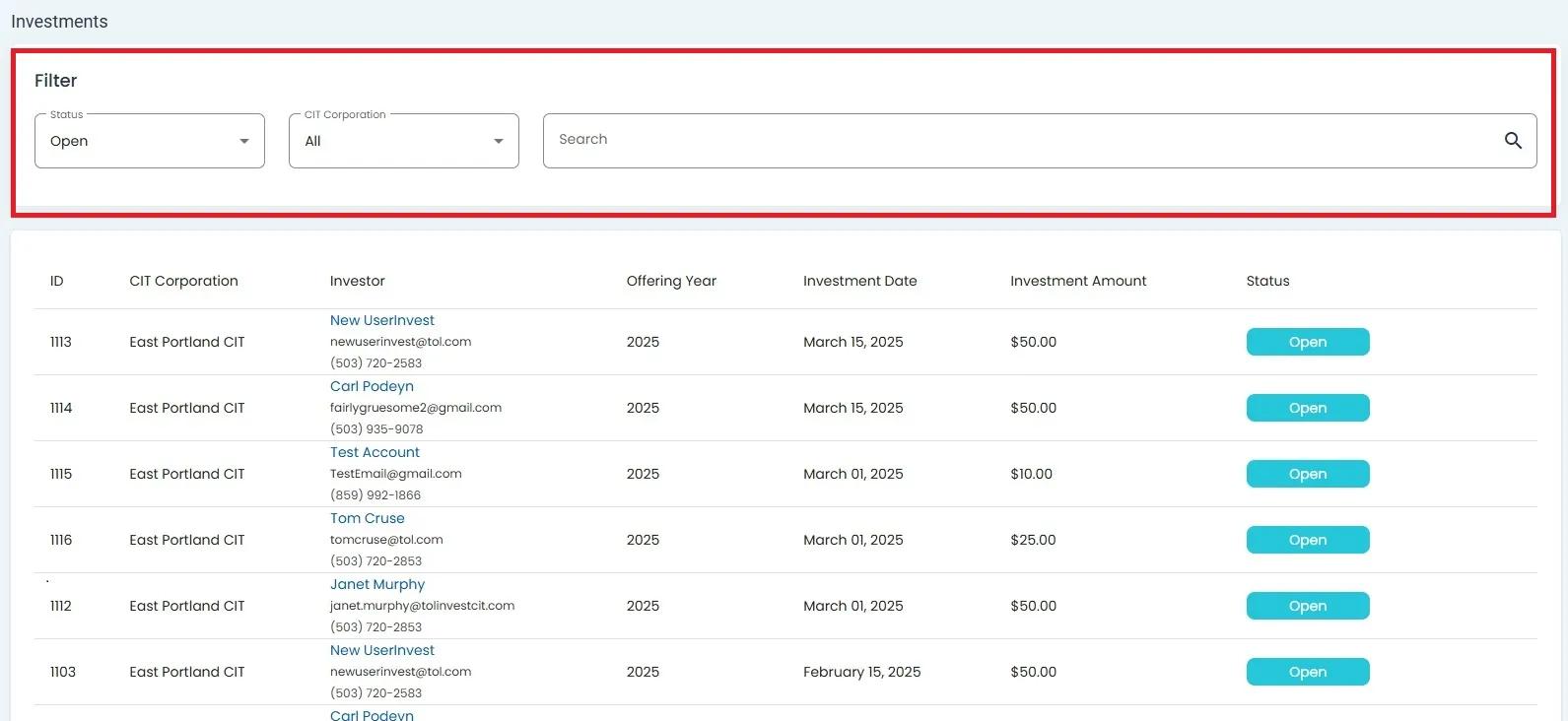
Investments Table Filter Section Highlighted#
Click on the Status dropdown to filter by status.
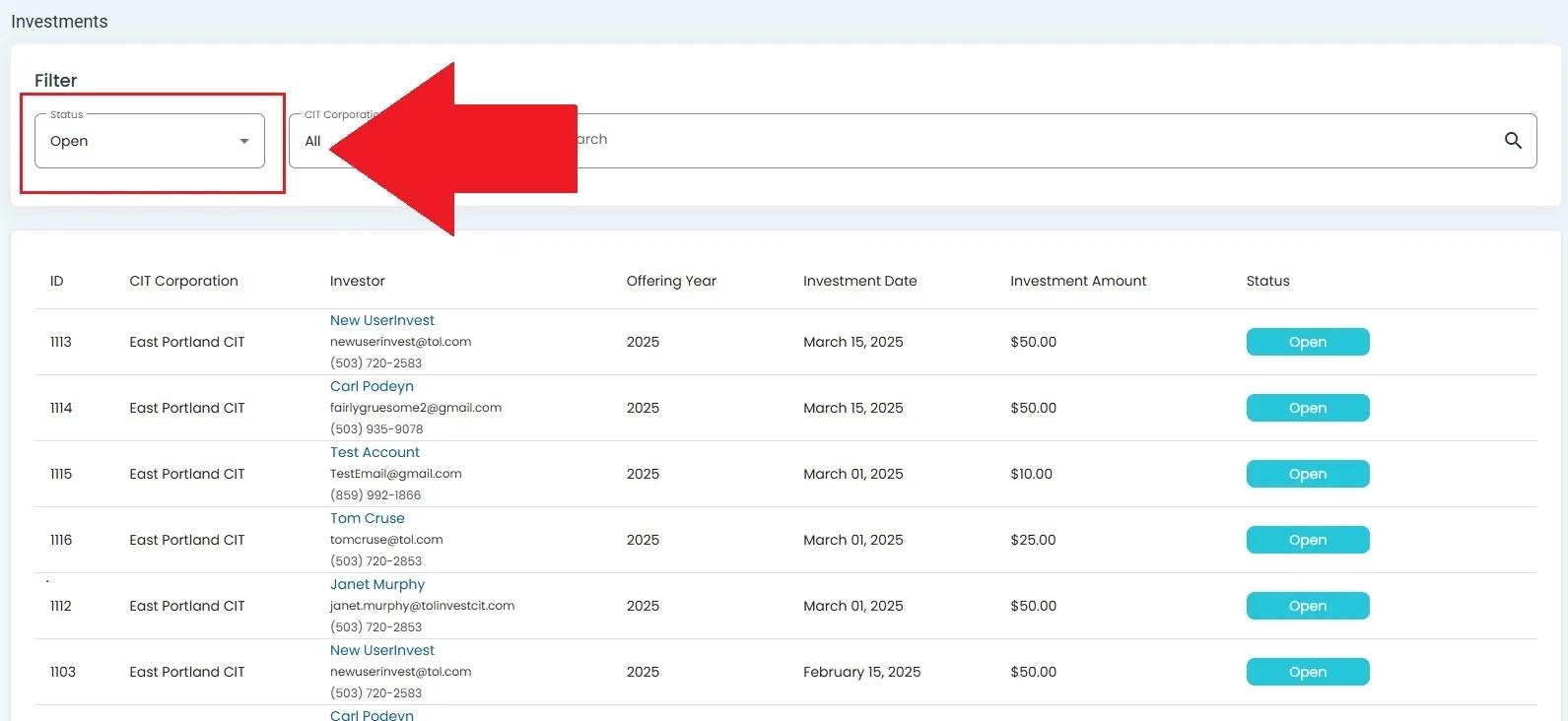
Investments Status Dropdown Location#
The status dropdown will expand, showing available status options:
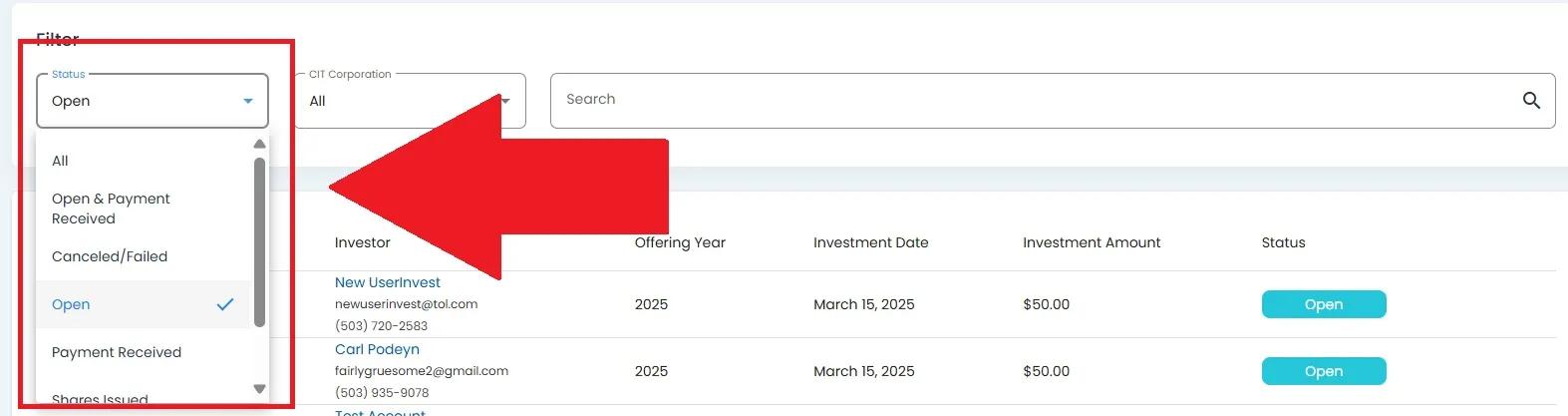
Investments Status Dropdown Expanded#
Select the organization dropdown (e.g., CIT Corporation).

CIT Corporation Dropdown Location#
The dropdown will expand, showing available organization options:

CIT Corporation Dropdown Expanded#
Click the search icon to apply filters.
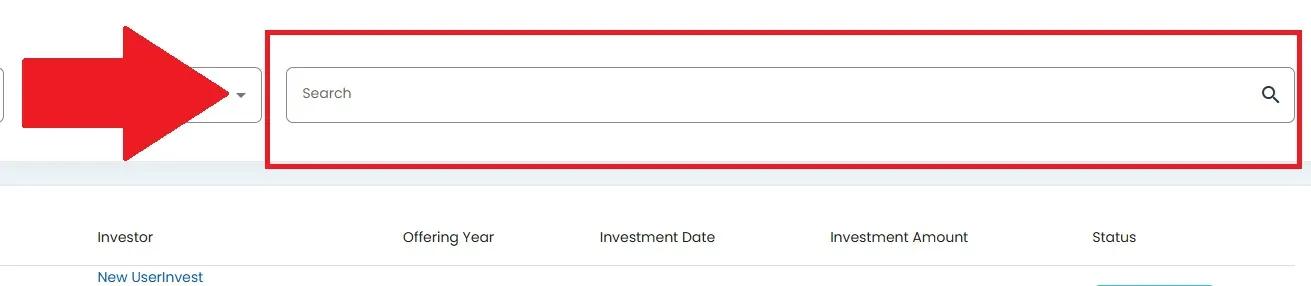
Search Icon Location#
Your filtered results will appear:
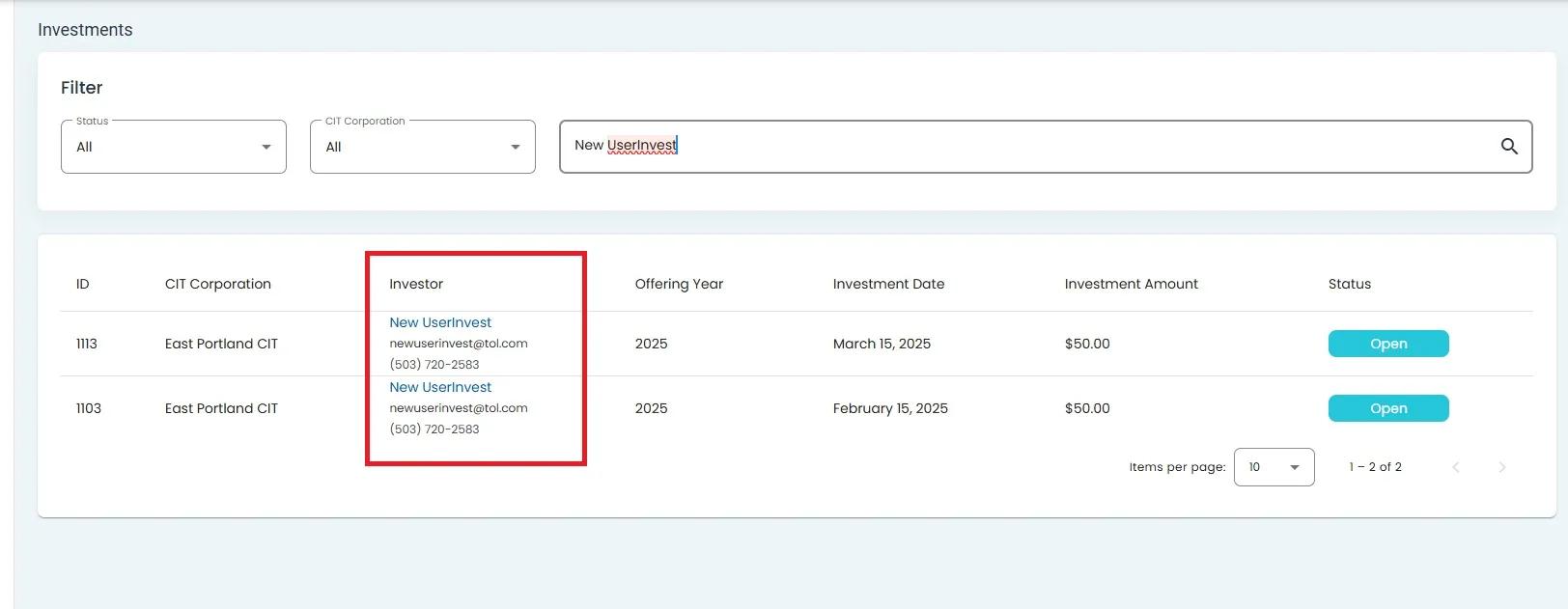
Search Results#